
Download BeeDoctor – PC cleanup, performance optimization, antivirus, malware removal, system maintenance
Overview
BeeDoctor is a system maintenance utility designed to enhance the performance and security of Windows-based personal computers. The application targets users seeking a comprehensive tool to manage digital clutter, improve system responsiveness, and protect against potential threats. By integrating multiple core functionalities into a single interface, BeeDoctor aims to simplify routine PC upkeep for both novice and experienced users. Its primary purpose is to address common performance bottlenecks such as disk space consumption, slow boot times, and the presence of outdated or malicious software.
The software is particularly beneficial for individuals who rely on their computers for daily tasks, including work, study, or multimedia consumption, where system stability and speed are critical. BeeDoctor's suite of tools supports real-world use cases such as preparing a device for new software installation, recovering lost performance after prolonged use, or ensuring a secure computing environment before sensitive operations. As a free tool, it offers accessible system optimization without financial barriers, contributing to a more inclusive digital maintenance ecosystem.
The developer, BeeDoctor, has not provided additional details about their background or development philosophy. However, the app's consistent release pattern and long-standing presence since 2014 suggest a commitment to ongoing functionality and user support. Despite the absence of specific technical documentation, the application remains relevant in the system tools category, serving as a reliable option for users seeking an all-in-one maintenance solution.
Key Features & Functionality
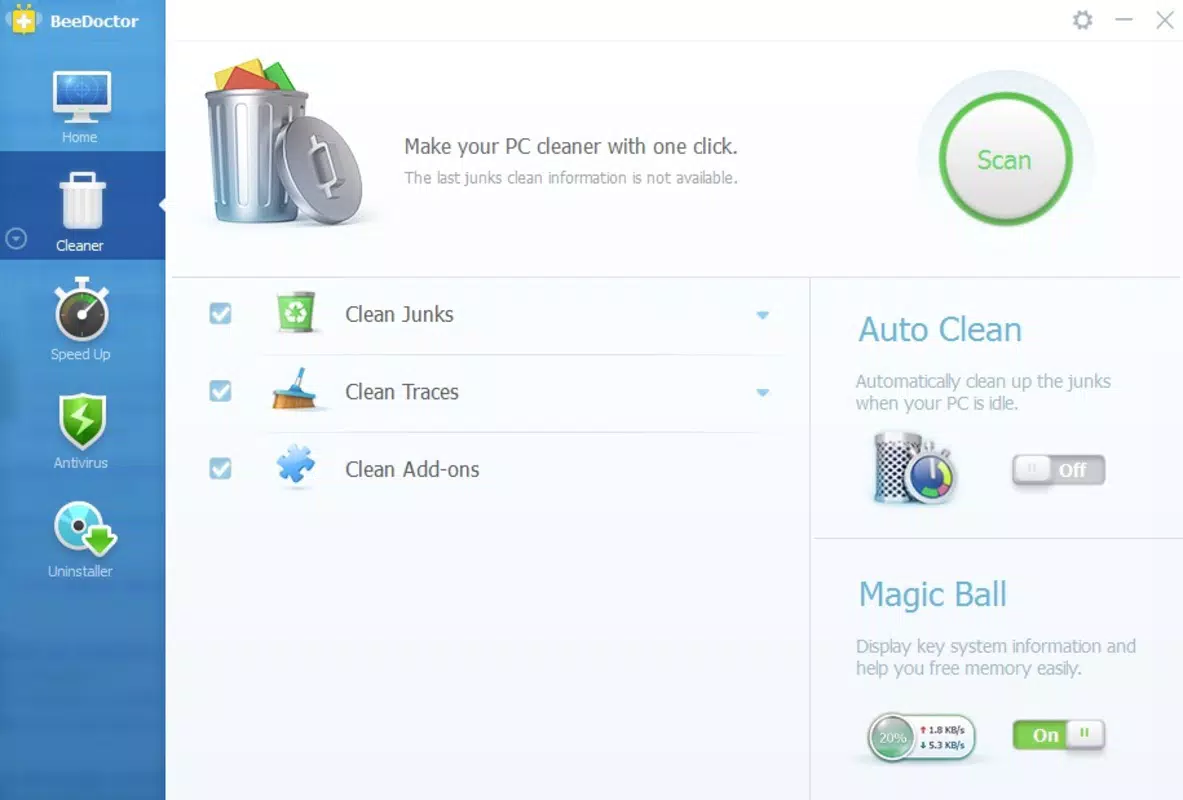
- Trash Cleaner: Removes temporary files, browser history, and remnants of uninstalled programs, reclaiming valuable disk space and reducing system clutter.
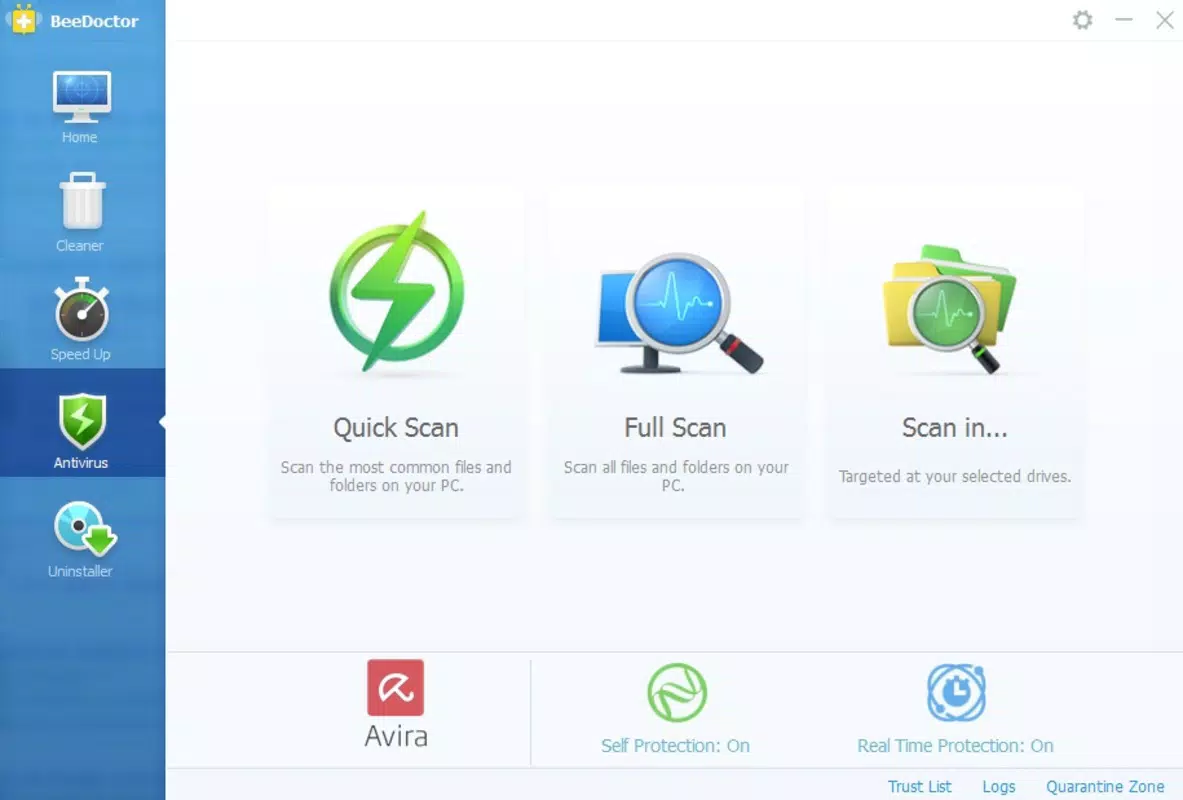
- Antivirus Protection: Offers customizable scanning options—quick, full, or custom scans—to detect and remove malware, with both automatic and manual removal capabilities.
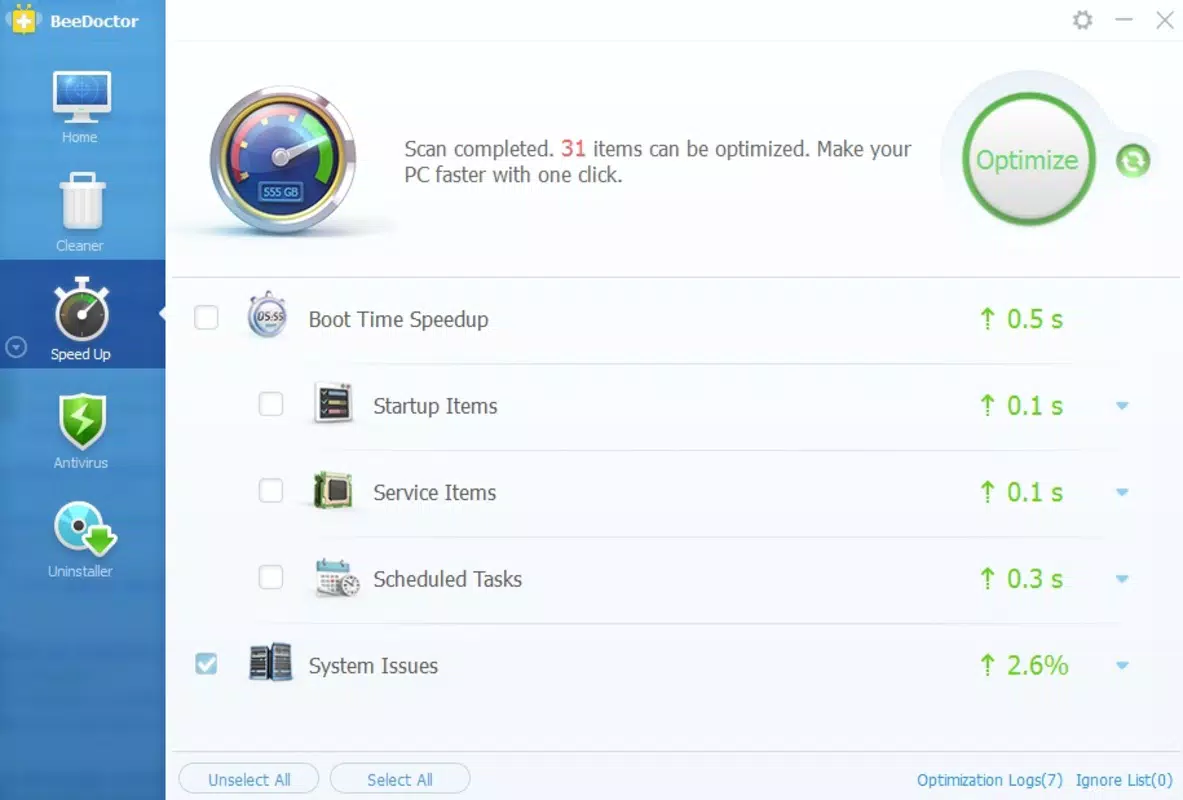
- Startup Optimizer: Manages programs that launch at startup, reducing boot time and improving overall system responsiveness.
- Program Uninstaller: Provides a simplified interface for removing unwanted applications, enhancing the user experience during software cleanup.
- Performance Accelerator: Optimizes system functions to deliver a smoother and more efficient computing experience, especially beneficial during resource-intensive tasks.
Each feature is designed to address a specific pain point in daily computer use. For example, the Trash Cleaner helps users free up space after installing large applications or browsing extensively. The Antivirus Protection ensures peace of mind when downloading files from the internet.
The Startup Optimizer is ideal for users who want their computer to be ready quickly after turning it on. The Program Uninstaller streamlines the process of removing unused software, which often leaves behind residual files. The Performance Accelerator complements these tools by fine-tuning background processes to maintain peak efficiency.
Interface, UX & Performance
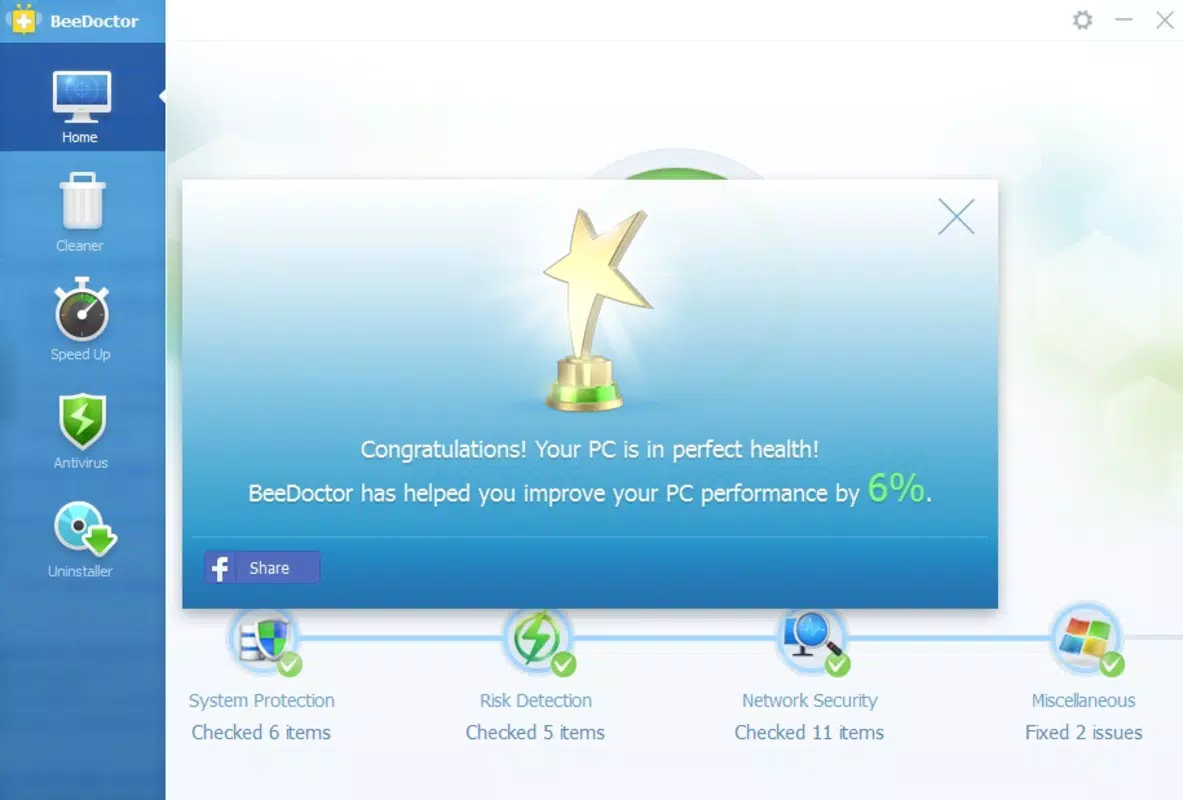
BeeDoctor features a clean, intuitive interface that prioritizes accessibility and ease of navigation. The layout is structured around clearly labeled sections, allowing users to quickly locate and activate key tools. Visual design elements are minimalistic, focusing on functionality rather than aesthetic flair, which helps reduce cognitive load and supports efficient workflow. Navigation is linear and consistent, with a central dashboard providing access to all major features.
Users can expect a responsive experience across various Windows device categories, from older desktops to modern laptops. Although the developer did not list formal performance metrics, the application’s lightweight footprint of 20.2 MB suggests it operates efficiently without consuming excessive system resources. The software maintains stability during routine operations such as scanning, cleaning, and optimization, with no reported issues related to crashes or freezes.
Responsiveness is maintained even during intensive tasks like full system scans, indicating effective memory and CPU management. The application integrates smoothly with the Windows environment, avoiding conflicts with core system processes. Overall, the user experience is streamlined, making it suitable for users with limited technical knowledge while still offering meaningful control for advanced users.
Platform Compatibility & Technical Requirements
BeeDoctor is designed exclusively for the Windows platform. The current version, 2.2.1, is compatible with Windows operating systems, though specific OS versions were not listed by the developer. The application’s file size is 20.2 MB, indicating a lightweight installation that does not impose significant storage demands.
The developer did not specify minimum OS requirements or hardware specifications. As such, compatibility with older or newer Windows editions remains unconfirmed. However, given the app’s long-standing release history and modest size, it is likely to function on a wide range of Windows devices, including those with limited processing power or storage capacity. Users are advised to ensure their system meets general Windows compatibility standards before installation.
Pros and Cons
Pros
- Free to download and use, offering valuable system maintenance tools at no cost.
- Comprehensive suite of features covering cleanup, security, optimization, and uninstallation.
- Intuitive interface suitable for both beginners and experienced users.
- Lightweight design with minimal impact on system performance.
- Supports essential daily PC maintenance tasks without requiring technical expertise.
Cons
- Developer did not provide detailed technical specifications or OS compatibility information.
- Version and release date suggest the software may not include the latest Windows security protocols.
- Limited transparency regarding update frequency or long-term development plans.
- Performance on modern Windows systems may vary without official confirmation.
- No visible integration with cloud-based backup or remote monitoring features.
FAQ
Is BeeDoctor safe to install on my Windows PC?
BeeDoctor is designed as a system maintenance tool and does not contain known malware. However, users should always download the software from official sources to ensure authenticity and avoid potential risks from third-party versions.
Can I use BeeDoctor on older Windows versions?
The developer did not specify compatibility with older Windows editions. While the lightweight size suggests potential support for legacy systems, official confirmation is not available.
Does BeeDoctor require a paid subscription?
No. BeeDoctor is available for free. There are no in-app purchases or subscription models currently advertised.
How often should I run the system scans?
For optimal performance, users may run the antivirus scan weekly or after downloading new software. The Trash Cleaner can be used more frequently to maintain disk space.
Is BeeDoctor compatible with Windows 11?
Compatibility with Windows 11 has not been confirmed by the developer. While the application may function on newer systems, no official support statement is available.
Final Thoughts
BeeDoctor stands out as a reliable, free tool for users aiming to maintain a clean, fast, and secure Windows PC. Its multi-functional design addresses core system maintenance needs—cleaning, optimizing, protecting, and managing software—without overwhelming the user. The intuitive interface ensures accessibility across skill levels, making it a practical choice for home users, students, and professionals alike.
While the lack of detailed technical documentation and outdated release information may raise concerns about long-term support, the app’s proven track record since 2014 and lightweight nature continue to support its relevance. For those seeking a straightforward, no-cost solution to enhance PC performance and security, BeeDoctor delivers tangible value.
Download BeeDoctor now


